Level up your video skills
Unlock simple, practical tips for creating, editing, and sharing standout videos. Learn how to grow your audience and boost engagement on YouTube and Facebook with easy-to-follow guides and real-world examples.
Start now










![[background image] image of office workspace with desks (for a film production company)](https://cdn.prod.website-files.com/685041dca1b41d3bd2ebaa78/685043cb6bf756da293c39c4_2ec54f42-ceca-48cd-bbe4-24662fb1e814.avif)

Unlock simple, practical tips for creating, editing, and sharing standout videos. Learn how to grow your audience and boost engagement on YouTube and Facebook with easy-to-follow guides and real-world examples.
Start nowStep-by-step help for filming, editing, and sharing your first YouTube video. No experience needed—just follow along and create.
![[digital project] image of past client project on a billboard (for an ai legal tech company)](https://cdn.prod.website-files.com/685041dca1b41d3bd2ebaa78/685043cb9363f9db9d5159c4_e9997de2-1d77-42da-87cb-4f387d10b421.avif)
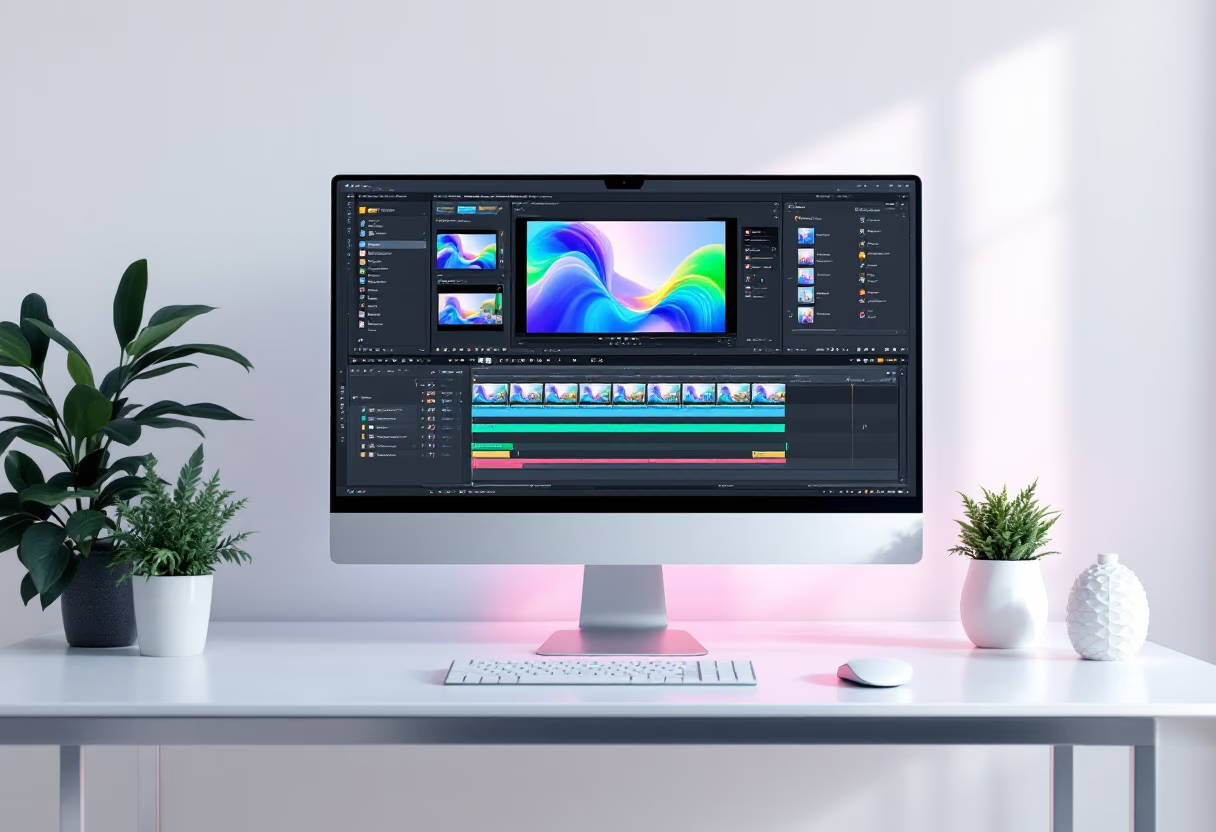
Find easy-to-use software and simple tricks to give your videos a polished, professional look—no stress, just results.
![[digital project]](https://cdn.prod.website-files.com/685041dca1b41d3bd2ebaa78/685043cbe304a83771f55632_945ddce0-8e9c-4b9d-b4ad-052783367ea4.avif)
Learn proven Facebook marketing tips to promote your videos and connect with more viewers every day.

Get clear, friendly answers to your top questions about video editing, YouTube growth, and Facebook marketing. We’re here to help you create, share, and succeed online.
Start with beginner-friendly editors like CapCut or Adobe Premiere Rush. Import your clips, trim what you don’t need, add music, and try out simple transitions. Explore new features as you get comfortable—practice is key!
Post videos regularly, use eye-catching thumbnails, and write clear titles. Respond to comments, use relevant tags, and check your analytics to see what your viewers enjoy most.
Upload videos directly to Facebook for better reach. Write engaging captions, post when your audience is online, and reply to comments. Boost posts to reach more viewers if needed.
Try Canva for graphics, OBS Studio for screen recording, and InShot for editing on your phone. Test different tools to see which ones fit your style and workflow.
Step-by-step tips for creating, editing, and sharing videos that stand out and grow your audience online.
![[headshot] image of customer (for a ar/vr)](https://cdn.prod.website-files.com/685041dca1b41d3bd2ebaa78/685043cb75507a21fb971a00_22a0e184-b04e-46ba-a327-192575d3ace1.avif)
![[background image] image of a work desk with a laptop and documents (for a ai legal tech company)](https://cdn.prod.website-files.com/685041dca1b41d3bd2ebaa78/685043cb126c544962b0e986_5e13b7a3-ed02-416a-b989-1d4183f2a33f.avif)
Get easy-to-follow editing tips and discover tools that help you create polished videos, no matter your experience.
![[digital project] image of editing software on a screen (for a music studio)](https://cdn.prod.website-files.com/685041dca1b41d3bd2ebaa78/685043cb6606772aa2bafa9d_c9cdd94c-6ca3-4a8d-87c5-766b722463d2.avif)
Find actionable ways to promote your videos, connect with viewers, and build a strong online community.
“The tutorials break down video editing and YouTube growth into simple steps. I always felt encouraged and supported, even when tackling new skills. Now, I confidently create and promote my videos across platforms. Perfect for anyone ready to grow their channel!”
Ideal for new video creators
No contracts, easy to cancel.
Grow your content faster
Change or cancel anytime.